Before You Unpack: A UK Rental Sweep for Hidden Cameras
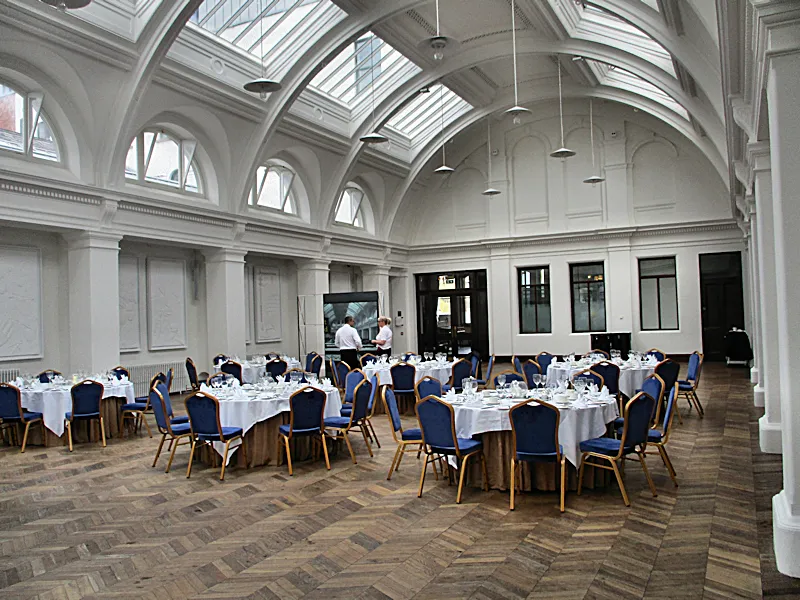
Photo: kevin higgins , CC BY-SA 2.0, via Wikimedia Commons
Most UK stays are boringly normal. You arrive, wrestle with a key safe, find the Wi-Fi password on a laminated card and get on with your weekend. But the kit needed to hide a camera has become tiny, cheap and easy to buy, and that has made a small number of hosts, landlords and hotel operators into a genuine privacy concern. You do not need to turn a weekend in Bristol into a full counter-surveillance operation. A calm ten-minute sweep, a torch and a bit of knowledge will do more than most people realise.
Start with the room's obvious blind spots
Covert cameras need a view, power and a plausible disguise. In UK short-term lets, the usual suspects are smoke alarms, alarm clocks, air fresheners, phone chargers, USB plugs, picture frames, lampshades, TV bezels, routers and even the little black boxes that sit beside a kettle. Look for pinholes that seem out of place, a tiny glass circle behind a grille, or a device that faces the bed or bathroom door rather than the room.
Use your phone torch at a low angle across mirrors, picture frames and smoke detectors. A camera lens tends to reflect light back as a sharp pinprick, while plastic and glass covers reflect more broadly. Do not rely on the old fingernail test for two-way mirrors; it is unreliable and has been repeated far too often online. Instead, look for depth behind the glass, a thick frame, cables disappearing into a wall, or a mirror that seems oddly placed opposite a bed or shower.
The phone tricks that work and the ones that do not
There is a persistent myth that your phone camera can see infrared LEDs from night-vision cameras. Some older front-facing cameras can, but most modern phone cameras filter out infrared, so a blank screen proves nothing. A dedicated infrared finder is a better bet. In a dark room, sweep it slowly across likely spots and watch for a cluster of LEDs glowing where no indicator light should be.
Wi-Fi scanning apps such as Fing or a network analyser can be useful, but treat them as one clue rather than a verdict. A camera may appear as a generic device, sit on the guest Wi-Fi, or use a mobile connection and never show up at all. Unusual SSIDs, cameras labelled as printers, or a device that stays online when you are the only guest are worth noting, not panicking about.
Gear that earns its place at each budget
Under £50, a simple lens detector or infrared finder is the realistic starting point. It will not catch everything, but it is small enough to travel with and quick to use. Around £80 to £200, an RF bug sweeper can pick up wireless transmissions, though UK homes are noisy places: Wi-Fi, smart meters, doorbells and baby monitors all generate radio traffic. A detector that only beeps is close to useless; one that shows signal strength and frequency bands is more helpful.
If you travel regularly, a compact thermal camera can reveal devices that are warm when they should be cool, such as a charger or smoke alarm with extra electronics inside. At the top end, professional non-linear junction detectors exist, but they are overkill for a weekend rental and need training to interpret. For most readers, a torch, a lens finder and a sensible network scan are the practical combination.
What UK law says about hidden recording
Installing equipment to observe or record someone doing a private act, where they would reasonably expect privacy, can fall foul of the voyeurism offences under the Sexual Offences Act 2003. Sharing or publishing such images can add further offences. Data protection law may also apply to hosts and businesses that process guest images, and hotel or letting platforms have their own rules against covert recording. This is not legal advice, but the direction of travel is clear: a camera hidden in a bedroom or bathroom is not a quirky hosting perk.
If you find something, preserve first
Do not start dismantling the smoke alarm. If you are in immediate danger, leave and call 999. Otherwise, photograph the device in context, note the room, the time and what made you suspicious, and avoid handling it more than necessary. Keep your booking confirmation, messages with the host or platform, and any Wi-Fi network names you saw. If the device is plugged in and clearly operating, the police may want it left as it is, so ask before unplugging anything.
Report the find to the platform straight away and ask them to preserve the listing and your communications. Call 101 for non-emergencies, or use the appropriate online reporting route for the local force. If you believe your personal data has been mishandled by a business, the Information Commissioner's Office is the regulator to contact, though the police should be the first call where a criminal offence is suspected.
A routine, not a ritual
Check the room before you settle in, keep the sweep proportionate, and remember that most hosts are not spies. The goal is not to live in fear of every USB plug. It is to know what a normal room looks like, spot the odd detail quickly, and have a clear plan if something does not add up.